
TLDR:
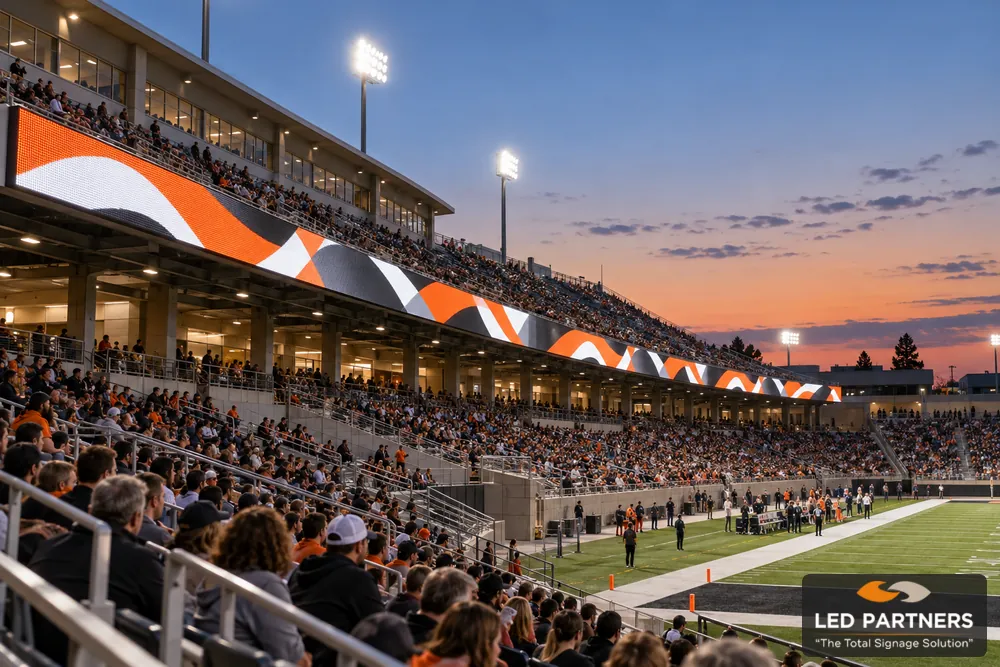
A stadium ribbon board is a good fit for venues that need sponsor messages, team graphics, and short announcements across the seating area. Its wide, shallow design works well when visibility around the venue matters more than showing detailed replays or video.
Before comparing sizes or prices, consider where the board would go, what you want it to display, and whether your staff can manage it during events.
Key Takeaways
A stadium ribbon board is a long, narrow LED display commonly installed along a seating deck, balcony edge, or other extended surface. It may cover one section, follow a curve, or extend around much of the seating bowl.
The wide, shallow screen works well for short messages, sponsor logos, animations, and some game information. A main video board offers more height for replays, presentations, and detailed images, so choose based on your venue’s needs.
Ribbon boards create space for rotating sponsor messages throughout an event. You can place them around recurring moments like player introductions, breaks in play, or community-partner recognition.
Before choosing a layout, decide what you’ll offer sponsors. Check which seats can see each section, how long each message will appear, and who will create the graphics. Talk with local businesses about their interest and pricing before relying on sponsorship income to help pay the board.
Team colors, celebration graphics, and short crowd prompts can add to the atmosphere during introductions and breaks. To match these moments with other screens, you need controls that work together, and an operator who knows the schedule.
The board can also show brief announcements, event reminders, or game statistics if the system supports the necessary data feed. Keep messages short so fans can read them while following the action.
Think about tournaments, graduations, ceremonies, and community events, too. Try sample graphics for each to see how you could use the board outside the sports season.
A graduation might show school colors and congratulations, while a tournament could rotate team names. Check that each message is readable from the seats.
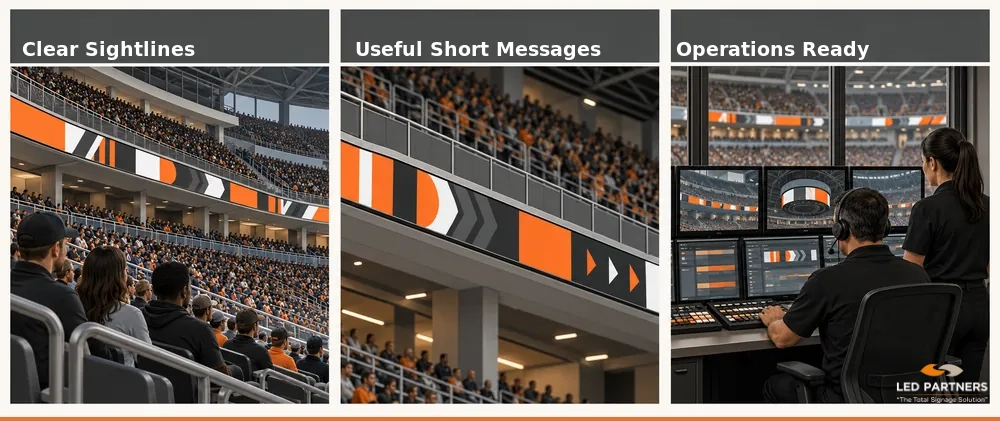
A stadium ribbon board may suit your venue if you have room to mount it, fans can see it clearly, and you have regular messages to show. You also need staff to prepare graphics, operate the board, and arrange repairs when needed.
A shorter board may obstruct needed sightlines, so check views around corners and behind railings before adding screens. In a smaller gym, compare a scoreboard upgrade, video board, and static sponsor signage against the same communication goal and budget.
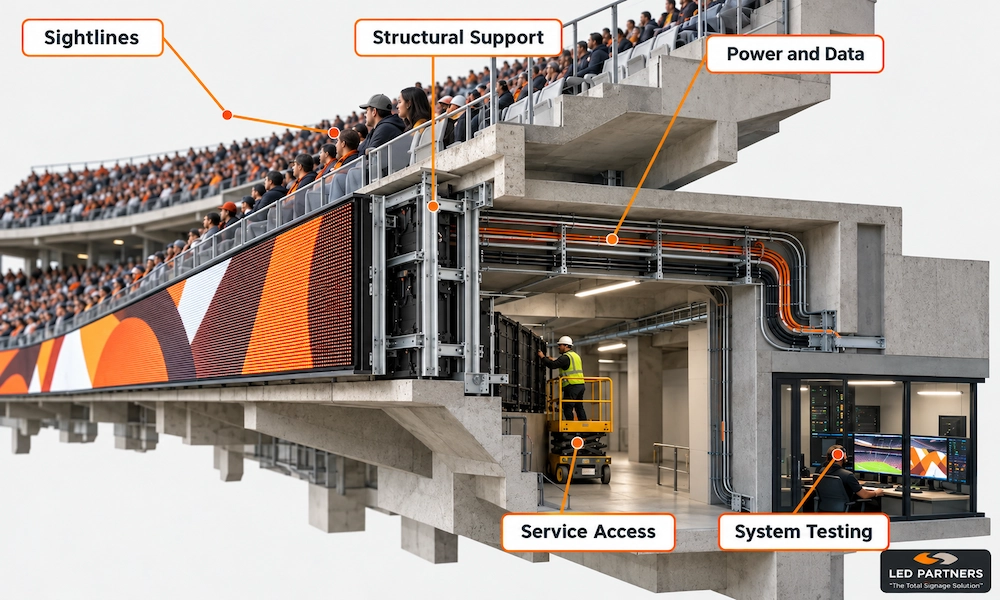
Walk the venue from the seats your display needs to serve. Check distant sections, steep angles, railings, overhangs, and anything else that might block the board.
Review the placement using the messages you plan to show, and include camera positions if you broadcast or record events. Before approving the installation, ask the supplier to test how the display looks on camera.
Pixel pitch is the distance between neighboring pixels. It affects image sharpness, so consider it alongside screen height, text size, and the graphics you plan to show.
Ask to see sample graphics from seating distances like those in your venue, including sponsor logos, announcements, and statistics. Compare the specifications, then confirm fans can read everything from the seats you want to reach.
Before approving the design, have the mounting site checked to make sure the existing structure can support the display and its hardware.
For outdoor boards, confirm how wind and other site conditions affect the design, take accurate measurements around curves and height changes, and clearly assign responsibility for engineering, mounting drawings, and any needed reinforcement in the quote.
Ask for a clear power and signal plan based on the equipment you’ve chosen. Confirm electrical capacity, connection points, cable routes, and the path between the display and control area.
Long cable runs and hard-to-reach areas can increase installation costs, so clarify who handles electrical work, network connections, and integration with your existing equipment. If you need matching graphics or live statistics, ask about compatible controllers, software, connections, and licenses; and include them in the budget.
Ask how the proposed display handles sunlight, rain, temperature, and other conditions at your venue. Check how technicians will reach the LED panels, power supplies, and connections for repairs. Ask the supplier to show you the access points in the proposed design.
Ask whether repairs need a lift, closed seating sections, or space behind the display. Allow for those costs and access needs when planning maintenance around your events.
Work backward from the first event, allowing time for design, approvals, site preparation, delivery, installation, testing, and staff training. Mark the dates that depend on your organization’s decisions or work so facilities staff, contractors, and event teams can coordinate access.
Before the project is complete, rehearse with the event graphics and the staff who will run the system. Check where messages appear, how they play, and how operators can get help.
We provide ribbon board planning, installation, training, and support for stadiums, arenas, and schools. Based in Houston, we handle site checks, engineering, electrical coordination, testing, and maintenance considerations from planning through launch.
We also offer content creation services and LED display repair and maintenance. Review our completed sports venue projects, then share photos and details about your equipment, staff, and event plans to discuss the right display, content, and support package for your facility.
Ready to find out whether a stadium ribbon board belongs in your facility? Contact LED Partners with venue photos, seating information, your event calendar, and the messages you want spectators to see.
Request a quote or call 832-430-7345 to discuss where a board could go, what installation involves, and which display options fit your plans. Plan your upgrade with LED Partners.