Digital Marquee Signs For Schools That Keep Campuses Informed, Safer, and On Schedule
Schools don’t need “pretty screens.” They need signs that reduce front-office chaos, keep families in the loop, and handle the one moment that actually matters: urgent messaging. Most school digital signage use-cases revolve around fast announcements, schedules, event reminders, and emergency alerts that can take over every screen when needed.
Educational signage is usually a mix of outdoor and indoor displays that work together. The outdoor sign handles first impressions and community messaging at the campus edge, while indoor screens handle daily operations like bell schedules, wayfinding, and real-time announcements across hallways, admin areas, cafeterias, libraries, and gyms.
The Specs That Actually Decide Performance
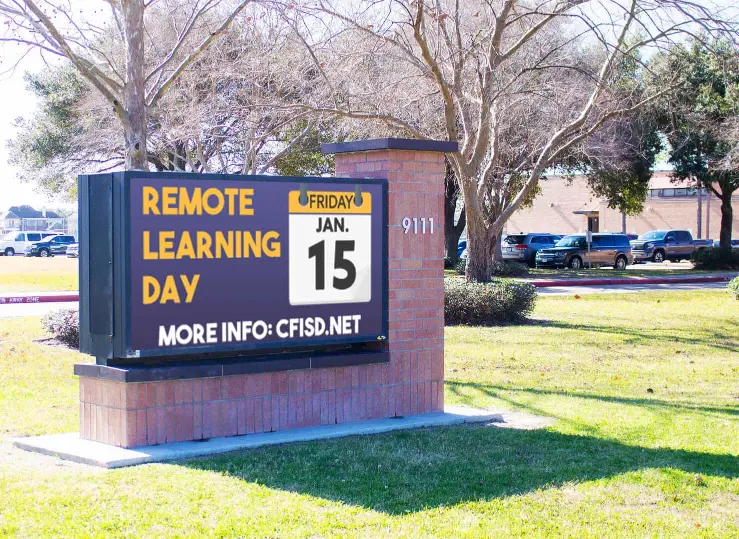
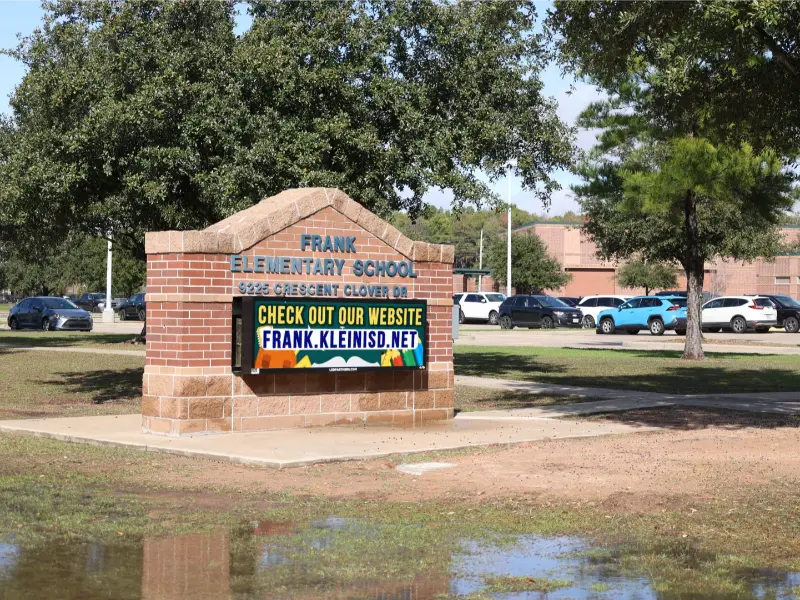
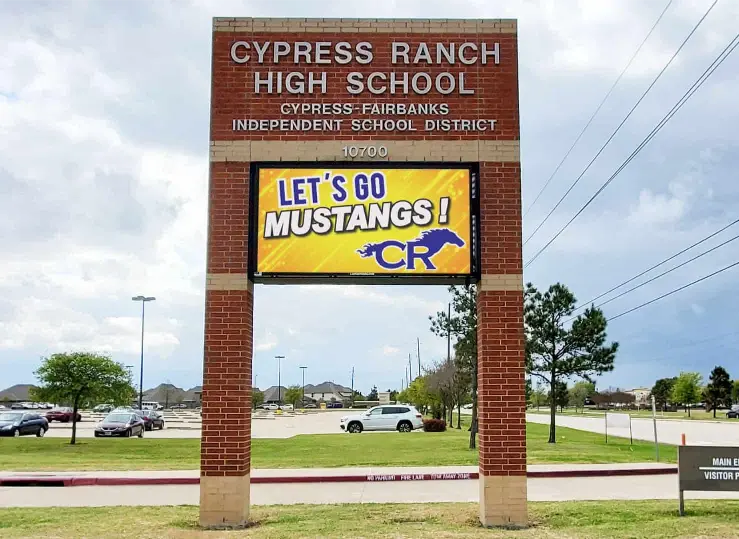
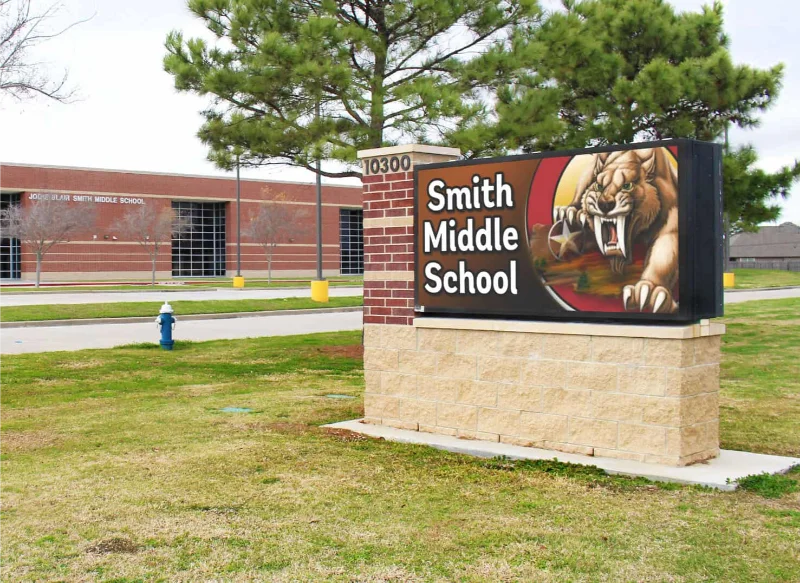
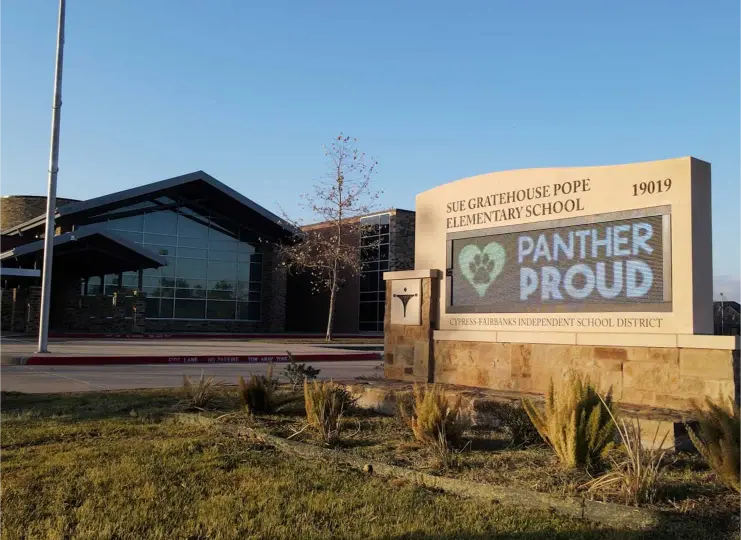
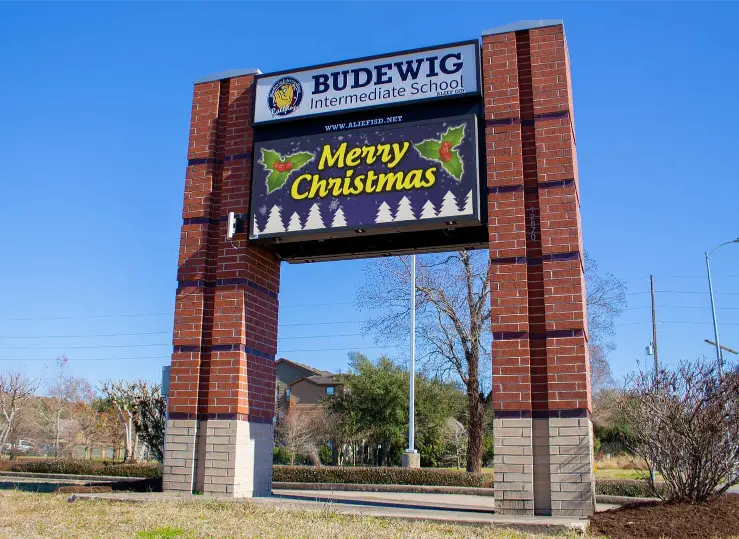
Your outdoor LED sign is the campus “front page.” It should stay readable in harsh daylight, hold up in weather, and be easy to update for closures, events, and urgent notices. Many outdoor LED product specs in-market emphasise extreme brightness for daylight visibility, which is exactly why cheap signage looks fine at night and disappoints during school-run hours.
Athletics and Event Displays
If you want the gym to feel like an arena, you need displays that can run more than a score. In the broader market, schools use gym displays for games, assemblies, graduations, and sponsor messaging, because it creates a revenue story that helps justify the spend.
Indoor Campus Digital Signage That Actually Gets Used
Indoor screens work when messages are consistent and timely, not when they turn into a dumping ground of posters nobody reads. The platforms schools adopt most often are built around quick publishing of announcements, schedules, lunch menus, and safety alerts from one place, with the ability to target specific locations and control who can publish.
Emergency Messaging and Rapid Overrides
Here’s the uncomfortable truth: if emergency alerts can’t override everything instantly, your signage is just marketing. School-focused signage systems commonly position emergency alerts as an override feature, and some providers specifically highlight campus-wide alerts and emergency messaging as a core reason schools buy digital signage in the first place.
Most schools start with announcements, bell schedules, lunch menus, event reminders, and recognition, then add safety messaging as a priority because it needs to be immediate and consistent across screens.
Many school signage setups highlight emergency alerts as an override so critical messages take over screens instantly. If this is a requirement for you, it needs to be designed in from day one, not bolted on later.
Either your team updates it after training, or you use a managed content approach. Your own support flow already points to training and content requests, which is exactly what schools need to keep things running.
Ready to make campus messaging simpler and more reliable?
Tell us what type of school you run, where the signs will go, and what you need them to do day-to-day. We’ll recommend the right mix of outdoor signage, indoor screens, and athletics displays, then train your team so it doesn’t become “one person’s secret system.”